
Learning to play music with solid timing? It’s tricky, no matter your skill level.
🎵 Rhythm calculators are digital tools that help you break down beat patterns, convert tempo, and work through timing exercises to sharpen your musical accuracy.
These online tools make it way easier to handle complex rhythms and tempo jumps. Some focus on tapping out beats to find tempo, while others give you visual feedback or advanced rhythm training.
You’ll find both simple tempo counters and more in-depth rhythm analysis platforms, all right in your browser.
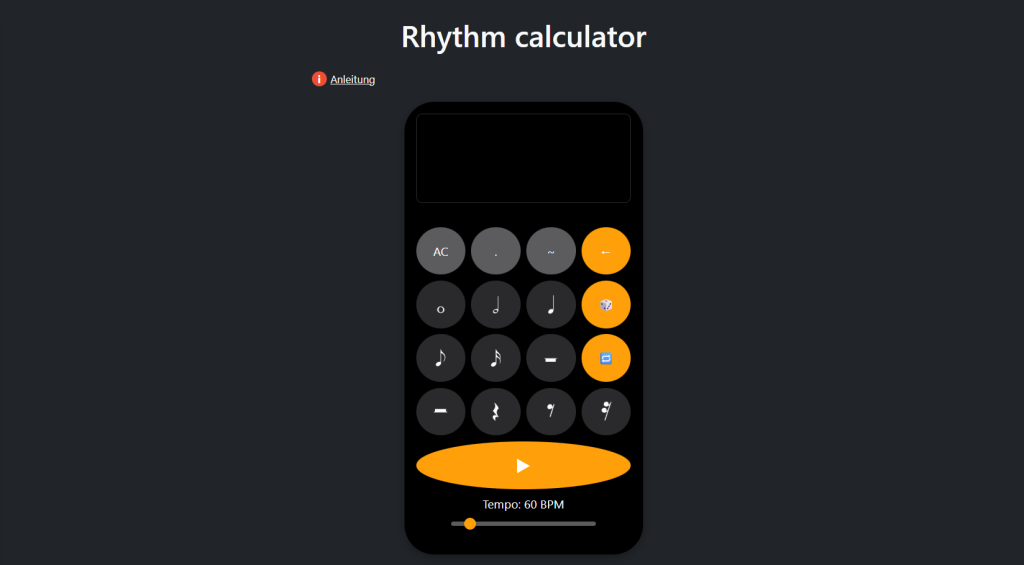
1. Rhythm Calculator by Rhythm Dictation
The Rhythm Calculator from Rhythm Dictation stands out as the most versatile and user-friendly tool for musicians and students.
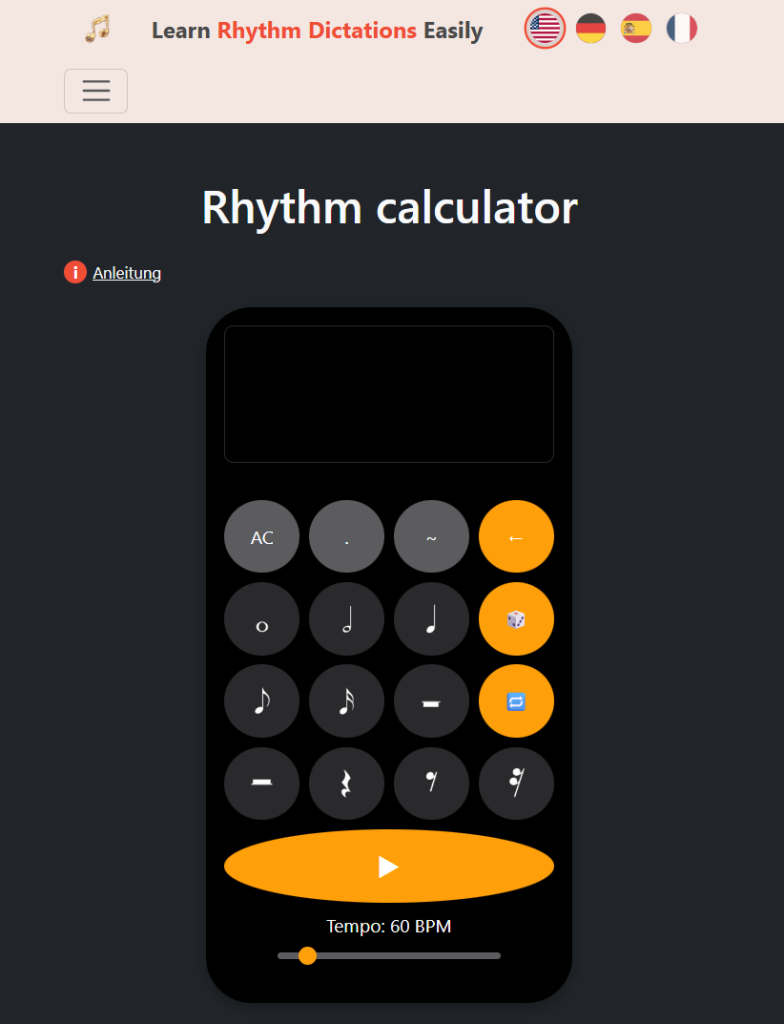
It’s designed for quick, accurate rhythm calculations, letting you input your tempo and instantly see note durations for any subdivision.
What’s great here? You can switch between different time signatures, experiment with dotted notes, triplets, and even polyrhythms. The interface is clean and responsive, so you’re not bogged down by clutter or ads.
Whether you’re practicing tricky passages, programming a drum machine, or syncing tracks in your DAW, it just works. I wish this had existed when I started learning music theory—it really does take the guesswork out of rhythm math.
It’s completely free and doesn’t require registration. If you need a rhythm calculator that’s both accurate and pleasant to use, this is the one.
2. BPM to MS Calculator by Calculation Hub
The BPM to MS Calculator by Calculation Hub is all about precision. It converts beats per minute to milliseconds, targeting music producers, developers, and engineers who need exact timing.
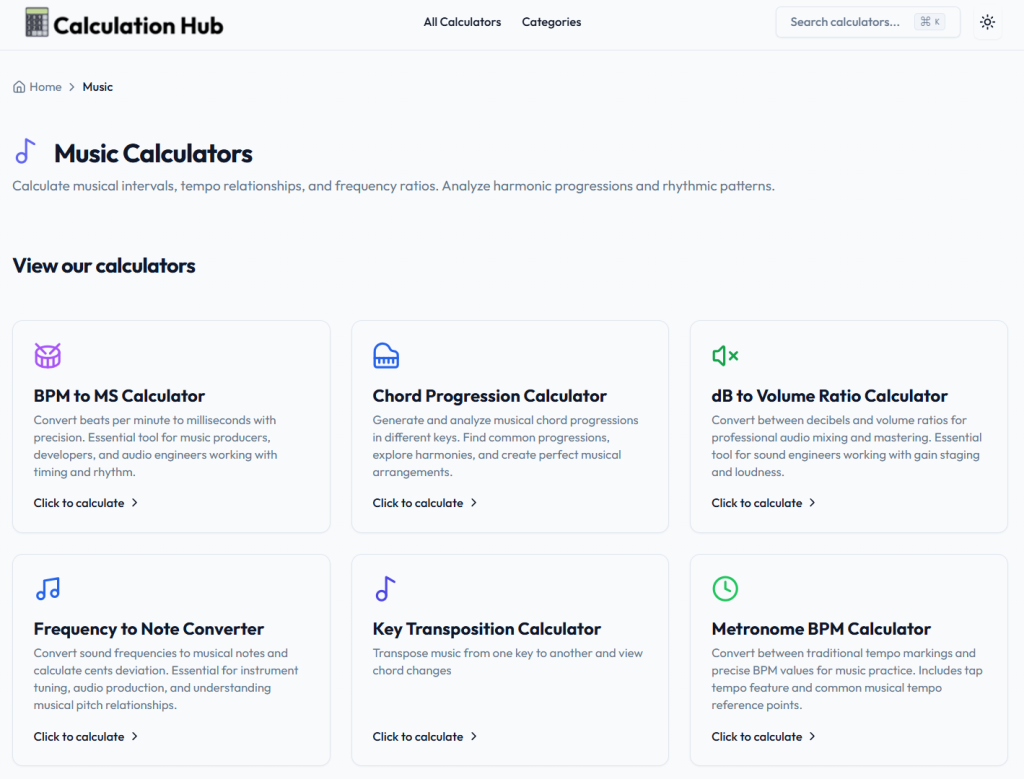
Just type in your BPM, and you get the corresponding millisecond duration for quarter notes. No fuss, no distractions.
It’s especially handy for syncing audio elements or setting delay times. Manual calculations? Forget it—this tool’s got your back.
It covers any BPM range, from slow ballads to fast electronic tracks. The results are accurate and meet pro standards.
3. Tap BPM – Online Beats Per Minute Counter
Tap BPM – Online Beats Per Minute Counter is about as straightforward as it gets. Tap any key to the beat, and you’ll see the BPM pop up in real time.
It has a lot of ads though! 👇
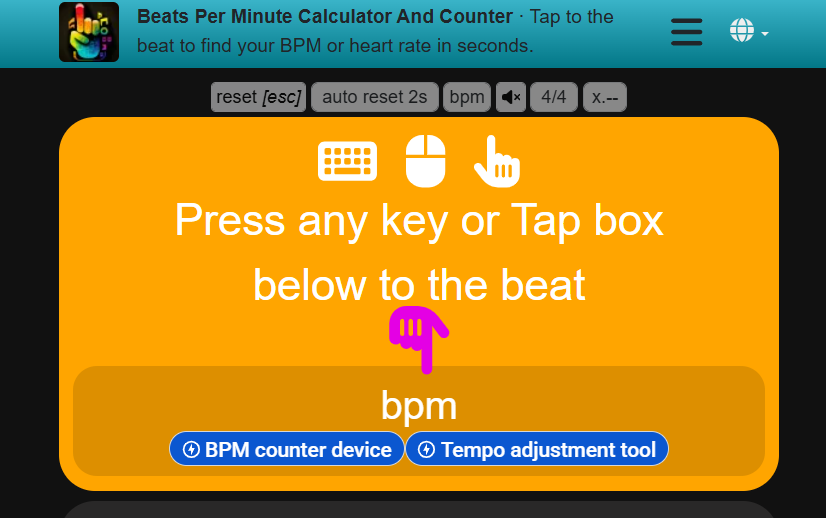
No need to wait a full minute—just a few taps and you’ve got your tempo. It works on any device, no downloads or accounts needed.
The interface is minimal and updates instantly as you tap. DJs, producers, and musicians use it for quick tempo checks or syncing tracks.
It’s free, fast, and always at your fingertips when you need it.
4. True Geometry’s Tempo-Based Rhythmic Analysis Tools
True Geometry’s tempo-based rhythmic analysis calculator handles rhythm and timing calculations for both production and theory.
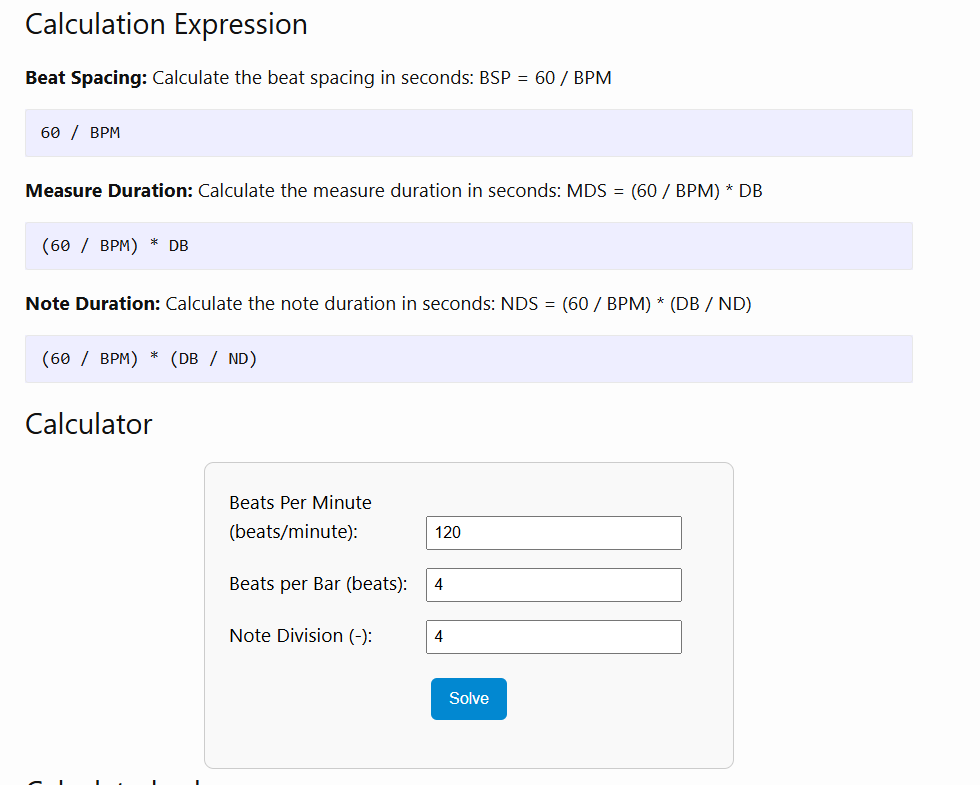
You can figure out beat spacing, measure duration, and note lengths based on your tempo and time signature. It’s especially useful for those who want to dig into complex rhythmic patterns or analyze compound meters.
The platform also offers additional rhythm tools for music theory analysis. Want to experiment with odd time signatures or triplets? Go for it.
There’s even a pattern duration calculator so you can work out how long a rhythmic phrase lasts at any tempo. The math is solid, and the results are precise.
5. Reading Rhythms Activity by Phil and David Tulga
The Reading Rhythms – Counting Music activity blends rhythm practice with math. You’ll see how note values connect to fractions—surprisingly helpful.
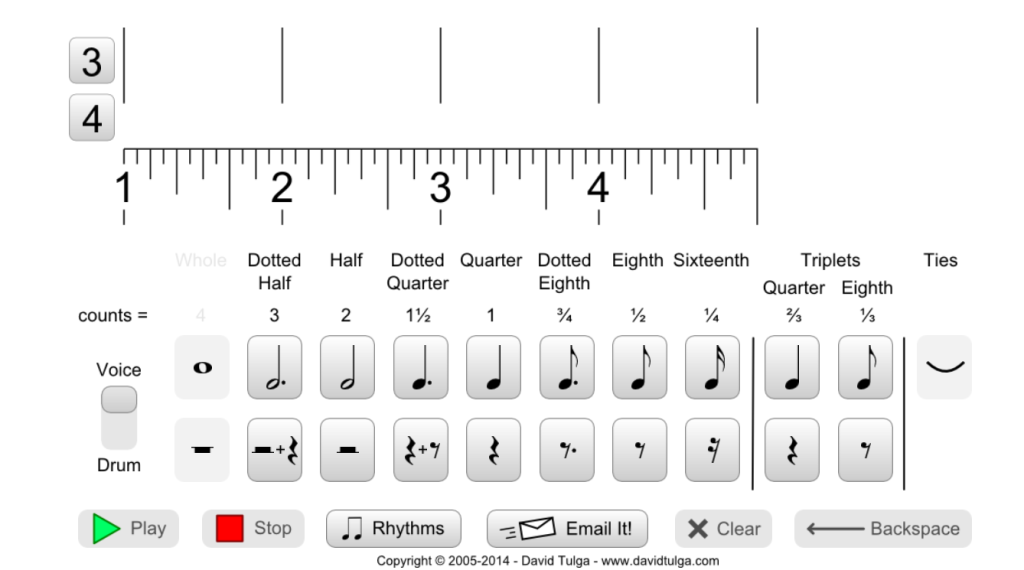
There’s a PDF with 119 rhythm sets, starting simple and working up to more complex patterns with triplets and sixteenths.
Switch between rhythm sets with the “Rhythms” button, then pick your challenge. It covers a bunch of time signatures, so you’re not stuck in 4/4 land.
Honestly, it’s a great way to build up your rhythm reading chops, one exercise at a time.
6. Rhythm Randomizer Open-Source Tool on GitHub
Rhythm Randomizer is a free web app that spits out random rhythm patterns for sight-reading. No downloads, no hassle—just open it up and go.
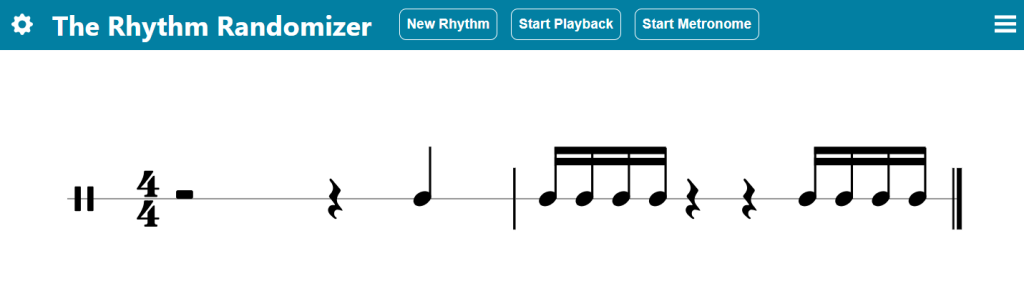
Pick how many measures you want (1, 2, 4, or 8), set your time signature, and choose the note values you want to practice. It adapts to your level, whether you’re a beginner or a pro.
It’s open-source (check out the code on GitHub), so if you’re into coding, you can contribute or tweak it yourself.
The project’s community-driven, with updates and new features rolling out as people pitch in. A great practice tool with a bit of a DIY vibe.
7. Music Calculators at Calculator.now
Calculator.now has a bunch of music calculators for everyday musical tasks. There’s a BPM Calculator where you can tap tempo, upload audio, or just type in numbers.
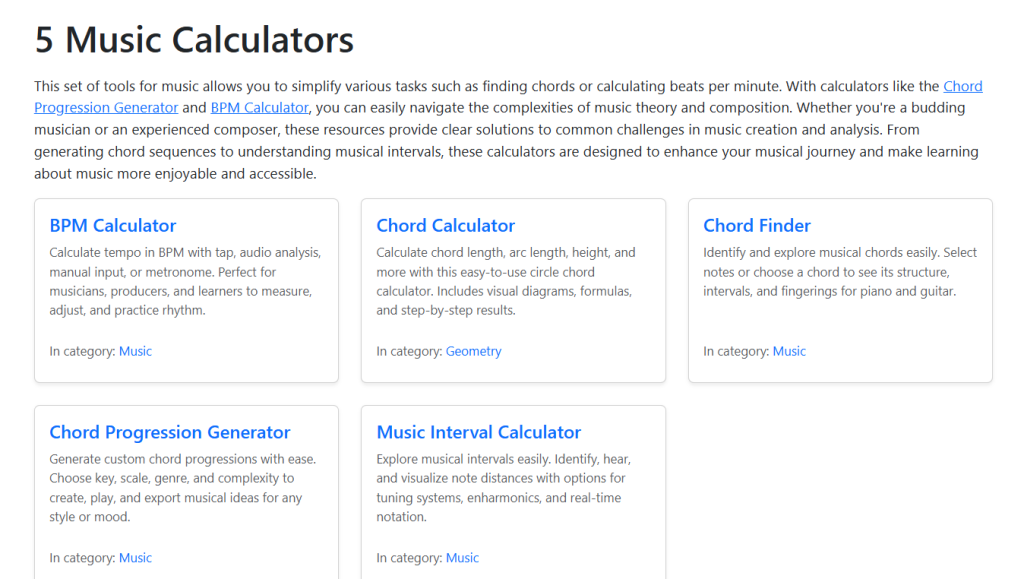
They also offer music theory calculators for figuring out chords and intervals. The Chord Progression Generator is handy if you’re stuck composing.
Everything’s interactive and designed for musicians, DJs, and producers. It’s a solid, practical toolbox for getting things done without overthinking it.
8. GetSongBPM Rhythm Tools
GetSongBPM has rhythm tools that help you nail down tempo or check the BPM of any song. Upload an audio file, and it’ll analyze and spit out the BPM in seconds.
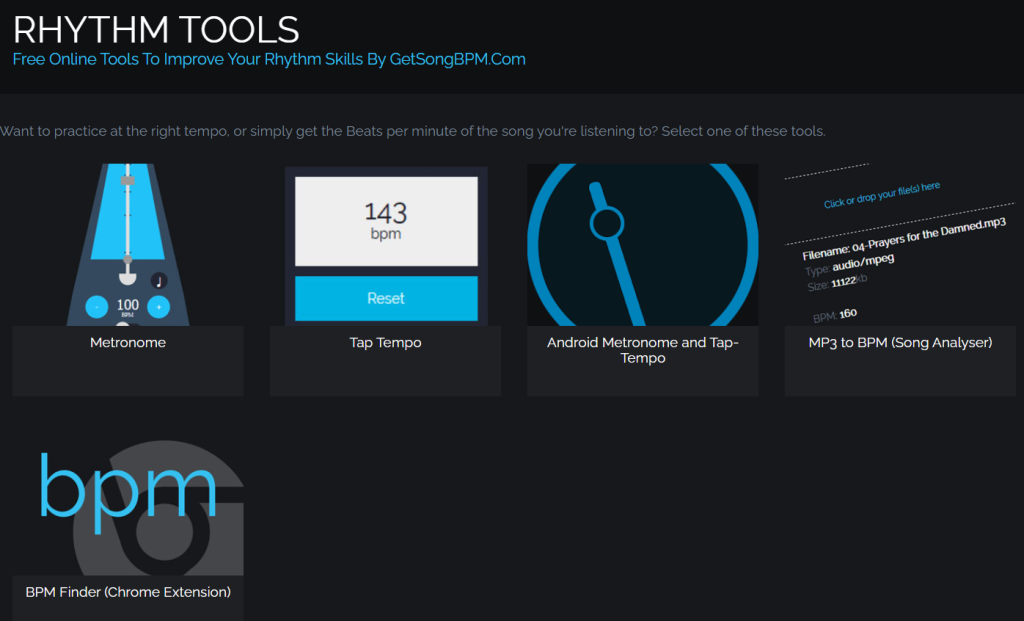
The database is huge—millions of songs—so you can also look up key and tempo info for tracks you’re working with. The interface is dead simple, no tech skills required.
It’s popular with musicians, DJs, and producers who need quick, accurate tempo analysis. You don’t even have to create an account to get started.
How Rhythm Calculators Work
Rhythm calculators crunch numbers behind the scenes, converting time into musical note values based on your tempo settings. They handle input like BPM, tap timing, and note subdivisions to spit out accurate rhythm calculations.
Core Features and Algorithms
Most rhythm calculators use a simple formula: 60,000 milliseconds divided by your BPM gives you a quarter note’s duration. From there, it’s easy to get other note values.
Example: At 120 BPM, each quarter note is 500 milliseconds. Half notes? 1,000 ms. Eighth notes? 250 ms. You get the idea.
Many calculators include a tap tempo feature, measuring the gap between your taps and averaging them for a stable BPM. Some even handle triplets, dotted notes, and odd time signatures.
BPM to milliseconds conversion is a lifesaver for syncing software or programming effects. The more advanced ones dig into polyrhythms and compound meters too.
Types of Input Data Supported
You can enter data in all sorts of ways. Manual BPM entry is great if you already know your tempo.
Tap input works by pressing a key or button in rhythm. Tools like Cadence let you tap evenly, then tap out tricky rhythms you want to analyze.
Time signature settings help the calculator know if you’re in 4/4, 3/4, or something weirder. Note division options let you break things down to sixteenths, thirty-seconds, or even finer.
Some calculators accept audio input so you can play along, and a few support MIDI input for more detailed rhythm analysis.
Benefits of Using a Rhythm Calculator
Rhythm calculators take the guesswork out of timing and make learning music way less stressful. They’re precise, and they save you a ton of time.
Accuracy in Musical Analysis
Rhythm calculators help you nail down exact timing based on tempo and note divisions. No more relying on feel alone.
Complex rhythms or odd time signatures? These tools break them down into bite-sized pieces, so you can see exactly where each note lands.
- Pinpoint BPM calculations
- Exact note durations
- Clear subdivisions
- Consistent tempo references
Converting BPM to milliseconds is crucial for syncing tracks or programming sequences. The precision helps you understand how rhythms fit together in any time signature.
Time-Saving for Musicians and Educators
Rhythm Calculator is hands down the best tool for cracking tricky rhythms fast. You just type in what you see, and bam—it plays it back right away.
No more endless guessing or second-guessing yourself. It’s a game changer for anyone who’s tired of trial and error.
Music teachers can pull this up during lessons to show tough rhythms on the spot. Instead of clapping out the same thing over and over, you just enter it once and replay as much as you need.
Time-saving features:
- Instant rhythm playback
- Quick pattern entry
- Immediate audio feedback
- Easy pattern comparison
Other tools, like calculator-style rhythm apps, let you punch in rhythms and hear what they sound like. It feels pretty intuitive, honestly.
Or, if you’re into transcription, Cadence lets you tap out rhythms on your keyboard to match what you’re hearing. The app figures out the pattern for you.
Instead of sweating over a single measure for an hour, you get results in minutes. Why waste time counting when you could be playing?
Try it now: 👇