

In this video, we’ll walk you through practicing with the rhythmdictation.com app.
We’ll start with the first set of dictations, where the note values are 1, 2, 3, or 4 beats long.
💡Info: If you’re not sure what rhythm, meter, or note values mean, you might want to watch the video with Music Theory Basics first.
This first group has 128 dictations—totally free, no registration needed. They’re all in 4/4 time, two measures each, played four times, with four preparatory beats so you can catch the tempo.
Key Takeaways
- The rhythmusdictat.com app gives you free rhythm dictation practice—128 exercises in the first group.
- Each dictation is in 4/4, two measures, played four times, and starts with four count-in beats.
- You can tweak speed settings and keep track of your progress by marking answers right or wrong.
Getting Started with the App
Accessing the App without Registration
You don’t need to register to use this app, which is honestly a relief. Just open it and dive in.
The first 128 dictations are ready to go, no sign-up required. They’re all free, so you can just start practicing.
Overview of Available Dictations
We’re starting with dictations where note values are 1, 2, 3, or 4 beats long.
If you’re still fuzzy on rhythm basics, that Musicory Basics video is a good place to start.
The dictations in this group have a few things in common:
- Number of dictations: 128
- Time signature: 4/4
- Length: Two measures
- Playback: Played four times, each with a four-beat count-in
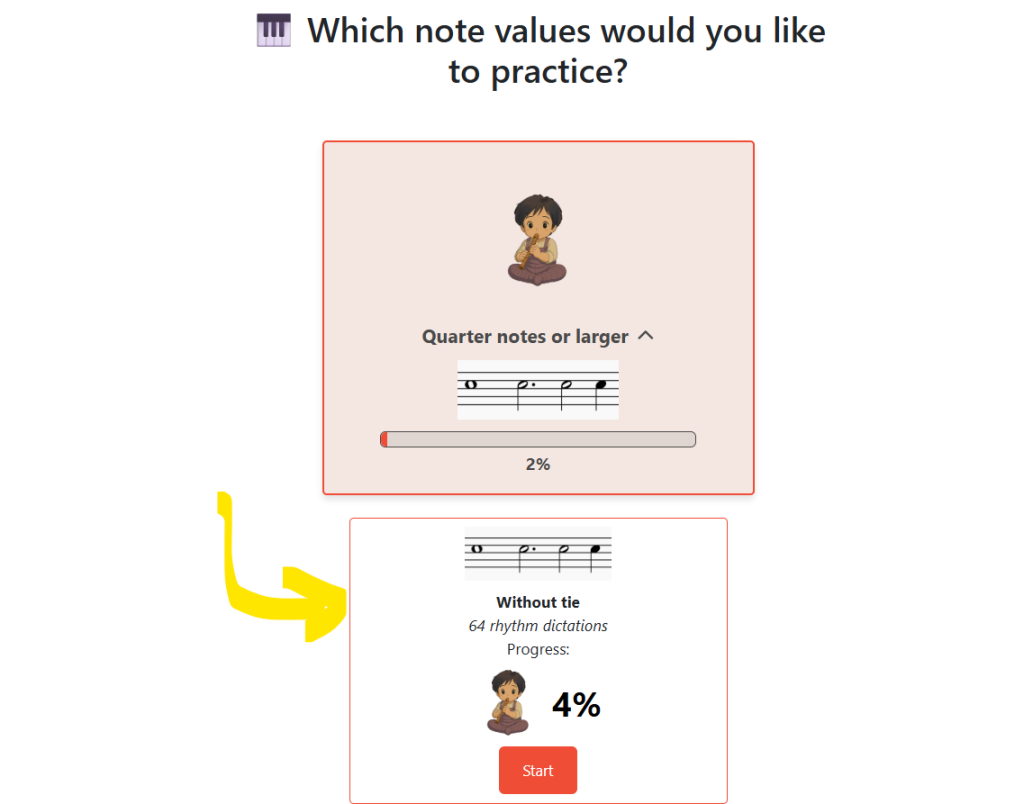
They’re sorted into categories. Click on “Quarter notes or larger” and pick dictations without ties to start.
Navigating the App Interface
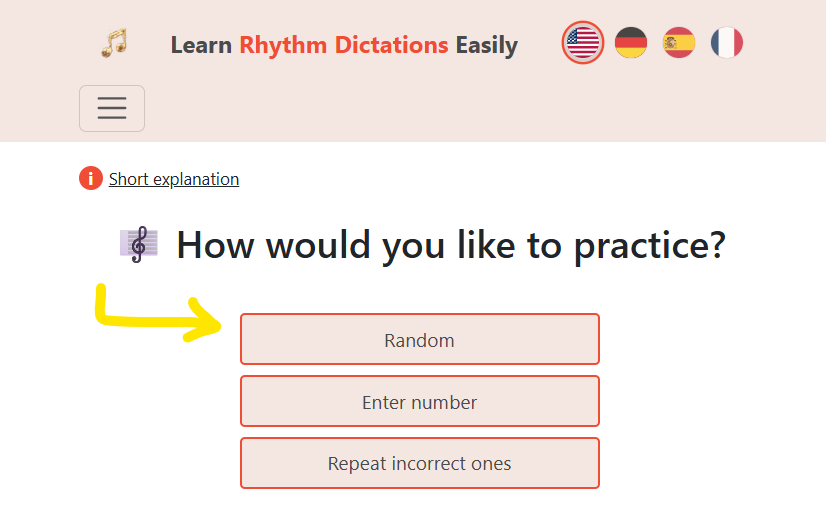
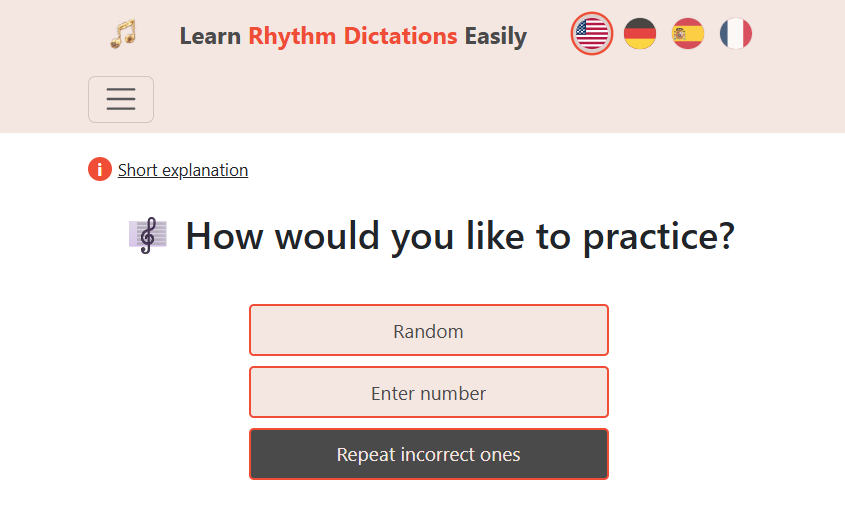
To start a dictation, hit Start and pick randomly. Listen to the rhythm, then after a brief pause, it’ll play again.
When you’ve got an idea for the answer, pause and jot it down. Since it’s 4/4, the first four notes might each be a beat. After four, draw a bar line. Maybe the next two are two beats each—add a double bar at the end.
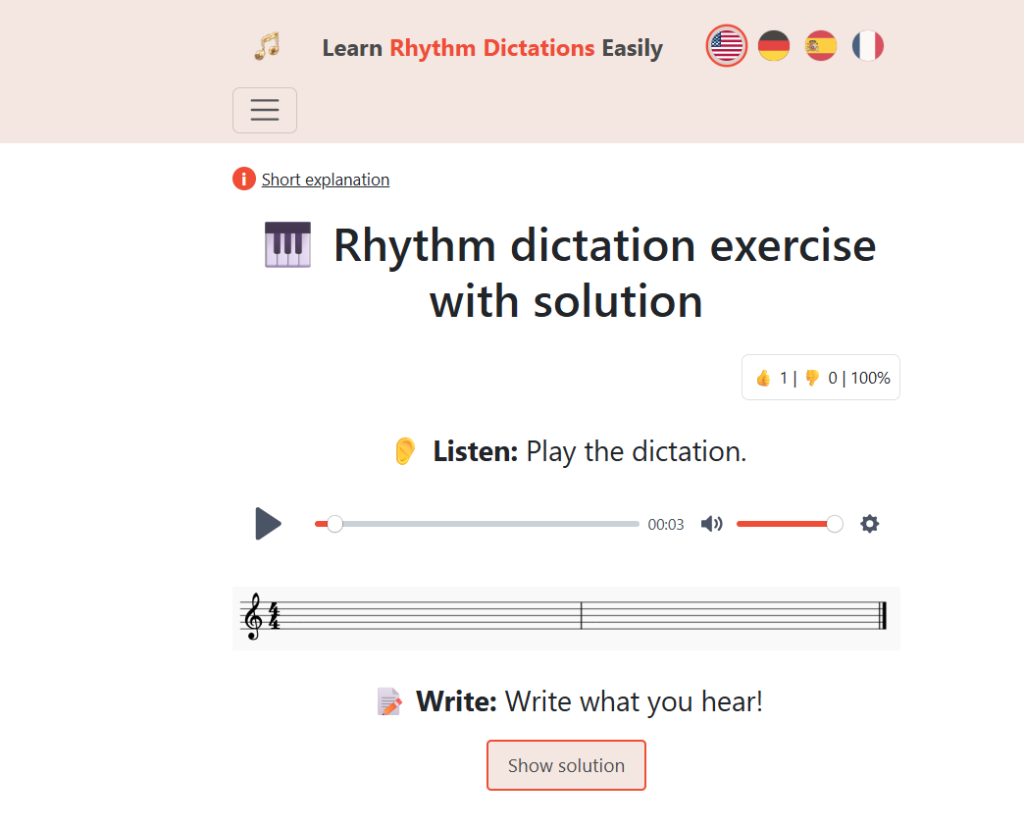
You get a third listen, again with the four-beat lead-in. When you’re ready, reveal the solution. If you nailed it, hit “correct”.
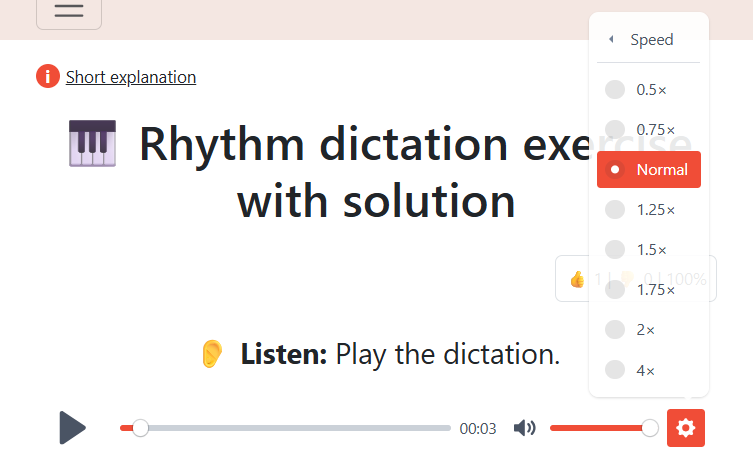
Speed Control: Need a slower tempo? Click the gear, then Speed, and adjust it down.
Wrong Answers: If you got it wrong, click “wrong”. Later, under Home after Start, you can choose “repeat wrong ones” and try again.
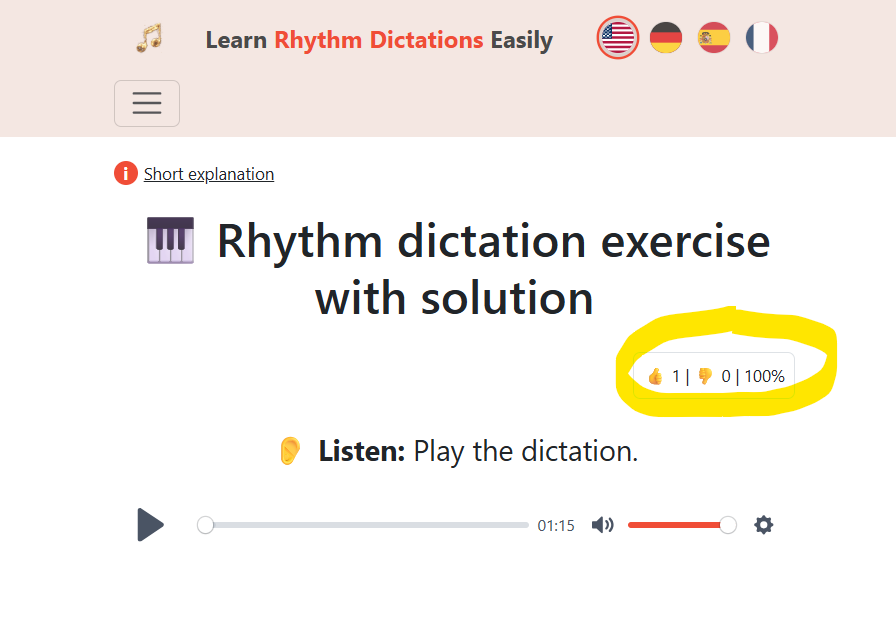
Progress Tracking: When you mark dictations correct, the counter in the upper right under “Solution” updates to show your progress.
| Action | Result |
|---|---|
| Click “Correct” | Counter updates under “Solution” |
| Click “Wrong” | Dictation saves to review list |
| Go to “Home” → “Repeat Wrong” | Practice missed dictations again |
Review System:
I use the wrong answer feature to build my own review list. When you mark one as wrong, it goes to your review section. Under Home, after Start, pick “Repeat Wrong” to go over them again.
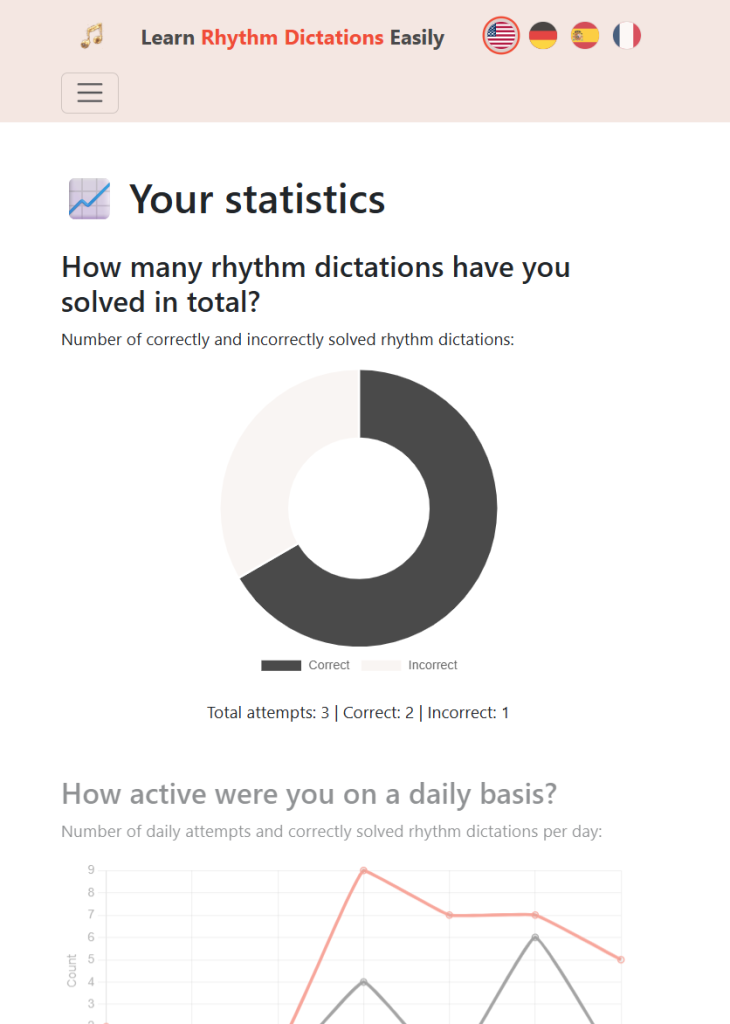
You can also check out your personalized music statistics here:
That’s a quick overview – we have much more features and dictations to keep you busy learning and improving your rhythm dictation skills easily and efficiently.